It’s Picture Book Month….Let’s Have a Smackdown

November is Picture Book Month.  It’s a time to celebrate the power of picture books and why the matter in our lives no matter what our age.  Picture Book Month was started by author Dianne de Las Casas to bring awareness to the role of picture books in our lives.  Each year, multiple authors and illustrators contribute daily posts about why they think picture books matter.  The Picture Book Month website has a wealth of resources for you to celebrate picture book month with your students, including a calendar, logos, bookmarks, and certificate.

At our school, we host a Picture Book Month Shelf Challenge.  Students set their own goal for how many picture books they will read during November.  I like allowing students to set their own goal because it allows for differentiation and also allows for surprising goals from students.  Each student receives a sheet to document their reading for the month.

Shelf Challenge   Google Docs

At the end of the month, students turn in this sheet.  They receive a certificate, a bookmark, and get entered into a drawing to win picture books that I’ve collected for prizes.

picturebookmonth.com wp content uploads 2011 11 pbm certificate color.pdf

For the 2nd year, we will host our annual Picture Book Smackdown.  On November 18th from 1:30-2:30PM EST, students in multiple schools across multiple states will gather online with authors in a Google Hangout to share favorite picture books and why they matter in our lives.  The event will be a Hangout On Air, so it will also be archived for future enjoyment.

To prepare for the event, I’ve sent a Google form to students to identify students in various grades who want to participate.

Barrow Picture Book Smackdown

As students share their interest, I’m sending them a script to help them prepare for their sharing during the smackdown.  They don’t have to use this script, but many find it helpful to remember all of the pieces of sharing.  The day before the smackdown, they will gather in the library to do a quick practice.

Picture Book Month Smackdown Script   Google Docs

I hope you will join us on November 18th to watch the smackdown and help spread the word about the event in advance.  During the smackdown, students and authors will step to the microphone in their own states and share a favorite picture book.  We also hope to capture all of these recommendations in a Google doc.

Here are some things to know:

  • Tweet about the event and your favorite picture books.  Even if your class isn’t in the smackdown, they can still share their favorite picture books with the hashtag #pbsmkdwn  as well as leave comments for our authors and students.  You can also include the picture book month hashtag #picturebookmonth
Many thanks to all of the schools and authors who are participating in the smackdown so far this year:

Participating schools include:
Andy Plemmons, school librarian in Athens, Georgia
Jenny Lussier, school librarian in Durham, Connecticut
Cathy Potter, school librarian in Falmouth, Maine
Kathy Kaldenberg, school librarian in Solon, Iowa
Shawna Ford, school librarian in Weatherford, Texas
Julee Murphy, school librarian in Texas
Christina Brennan, school librarian in Pennsylvania

Participating authors include:
Dianne de Las Casas, founder of picture book month
Anne Marie Pace, author of Vampirina Ballerina
How are you celebrating Picture Book Month?  It’s not too late to get a plan together and promote the power of picture books with your students.

Honoring Our Veterans with The Poppy Lady, Padlet, and Flipgrid

Last year, we were honored to have Barbara Walsh, author of The Poppy Lady, visit our school and share her book about Moina Michael’s vision for honoring veterans with the poppy.  Now, last year’s fourth graders that attended that visit are in the 5th grade.   They are about to host several veterans at our school for Veteran’s Day on Tuesday.

British use poppies to commemorate WWI

To prepare for our luncheon, the 5th grade classes each came to the library.  We read The Poppy Lady again.  We also watched a video from CBS news.  The video gave the students some great context on why the poppy is so important and what it really symbolizes.  This paired nicely with the advocacy story of Moina Michael.

We also had a great discussion about the importance of honoring veterans and what students might ask when they sit at a table with a veteran.  They brainstormed questions/statements like: “Tell me more about your time of service”, “What division of the military did you serve in”, “What were some of your biggest challenges in the military”, etc.

Then, students took time to visit 2 centers in the library.  I setup multiple iPads as a Flipgrid recording station.  With Flipgrid, students reflected on how we could continue to honor veterans just like the poppy lady did.

Flipgrid. Relax and discuss.


The 2nd station was a padlet where students could send messages to author Barbara Walsh about their appreciation for honoring the work of Moina Michael.  I pulled the site up on both projection screens and three other computers in the library for students to visit.

The Poppy Lady

Now the 5th graders will continue to work on poems, artwork, letters, and speeches for Tuesday’s luncheon.  During the luncheon, they will sit with veterans and have meaningful conversations.  I hope that they will take time to bring up the Poppy Lady while they talk.


Mini Maker Faire with UGA EDIT 2000

IMG_4327

Today Gretchen Thomas from the University of Georgia brought one of her EDIT 2000 classes to the library for a mini maker faire.  She and I have been brainstorming about how to give students more opportunities to come and use the makerspace in the library for tinkering and exposing students to various types of making.  These conversations have come from my constant requests from students to come and use the makerspace.  I struggle with finding a balance between the standards-based lessons and projects that I offer in the library, weaving in the makerspace into curriculum, and the students’ desire to just mess around with the tools in the space.  Gretchen has been coming to lead maker recess times with me.

Today, her EDIT 2000 students brought multiple maker centers for students to explore.  These UGA students are mostly undergraduate students from a variety of backgrounds.  Some of them plan to be education majors while others have a range of other majors.  I love the range of expertise and interests that live within these classes.  Gretchen’s students designed a center that would explore some aspect of making.

IMG_4290


One center explored optical illusions.  These students displayed a book of optical illusions and helped students create a drawing of their hand that looked like it was lifting off the page.

IMG_4291


Another center was a cup stacking challenge.  These students had multiple clear plastic cups and students spent time stacking the cups into different formations to see how tall they could stack as well as which shapes seemed to hold up better.  I loved seeing all the strategies that students tried in order to stack and unstack the cups.  They were fearless and really demonstrated what it means to tinker, fail, and try again.

IMG_4292


Students loved the paper airplane center.  These UGA students had books about paper airplanes and materials for making planes.  Students spent time making their planes and then testing them out in the library.  I loved watching planes flying around the library and hearing teachers ask “are students supposed to be flying airplanes around?”.

IMG_4329

I saw several students refold their airplane to try something new in their design, so once again there was a strong demonstration of tinkering, failure, and perseverance.

IMG_4293


Some of our stations involved technology or could be incorporated into technology.  One station was space for students to explore how to create speakers for iPods or iPhones using cups and paper towel rolls.  Students were eager to take their creations home and try them with their own devices.

IMG_4294


One of the most lively centers was the marshmallow launcher.  Students used rubber bands and Popsicle sticks to create a tool to launch marshmallows.  They tested their creations and made adjustments to see how they could make their marshmallows launch higher and farther.  Again, it was fun to see marshmallows flying through the air along with the planes.

IMG_4295


Another lively center was Video Star where students got to create their own costumes and form a mini flash mob dance to be recorded in the Video Star app.  These videos will be coming soon, so I hope to add a few to this blog post when they are ready.  It was interesting to see some students show their personality, come out of their shell, and be totally engaged when given an opportunity to make a music video.

IMG_4296

A different take on making was the center that explored spices.  These students had a variety of spices that you might put in fall pies and students spent time examining the spices and creating their own mix.

IMG_4315

I loved hearing what they planned to do with the spices when they get home.  One boy wanted to make a cake for his teacher and even talked about making a new fried chicken recipe.

IMG_4302 IMG_4312 IMG_4297

Three of our centers were facilitated by kids.  Two kids were Gretchen’s own kids and one was a neighbor.  They had centers on Minecraft, Goldieblox, and badge making.  They ran their centers like pros and I was reminded of how powerful it is when we give kids a voice to share their expertise with others.

Our entire 5th grade rotated through this experience across the course of an hour.  Students were able to visit about 3 centers.  After the centers are assessed and used at another school, they will be making their way back to our school for students to use in our makerspace.  I am so thankful to have Gretchen and her students so close to us.  She is willing to give any crazy idea a try and see what happens.  In this case, I think there were many miraculous moments.

As students left, they had smiles on their faces, energy in their bodies, and ideas flowing in their minds.  I invited them to think about how what they discovered fit into what they are doing in their classrooms.  I wish that I had been able to have them express some of these ideas before they left, but perhaps I can capture some of these reflections in another way such as a Flipgrid or Google form.


Storybook Celebration 2014


IMG_4226 (2)

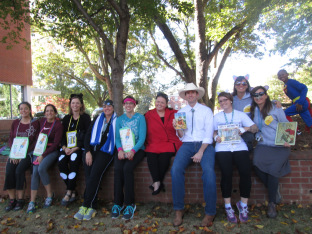
Our annual storybook celebration was another huge success.  I often get questions about how our storybook celebration is organized and what we do throughout the day.

Planning for this day begins in early October.  It takes multiple steps and multiple people for this day to be successful.

Storybook celebration begins with guest readers in every classroom.  To organize readers, we create a Signup Genius to easily share the signup as well as send out updates and reminders to those who have signed up.  My volunteer coordinator, Courtney Tobin, from PTA helped with this.  She created the signup and she and I began sharing it.  She contacted parent representatives at each grade level to also send out the link to families.

Barrow Media Center  Storybook Celebration Guest Readers

On the morning of storybook celebration, guest readers arrive in the library between 7:30-7:50.  They sign in at the counter and select a book from 2 tables that are organized by books for PreK-2 and 3-5.  All of these books are pulled by me ahead of time.  Some readers bring their own book.

1146483_10152737449140831_1105889446878726907_n 10419003_10152737449160831_686788221405341609_n

While readers wait to go to classes, they mingle, pre-read their books, and find a place to sit in the chairs that are ready for a group photo.

IMG_4219 - Copy

At 7:55, we all gather and I give a quick welcome.

IMG_5870 (1)

Then we take a group photo.

IMG_4187 - Copy

My morning BTV crew escorts readers to classrooms by grade level, so I have a sheet with all of the readers and their assigned classes that I give to each crew member.

IMG_4218 - Copy

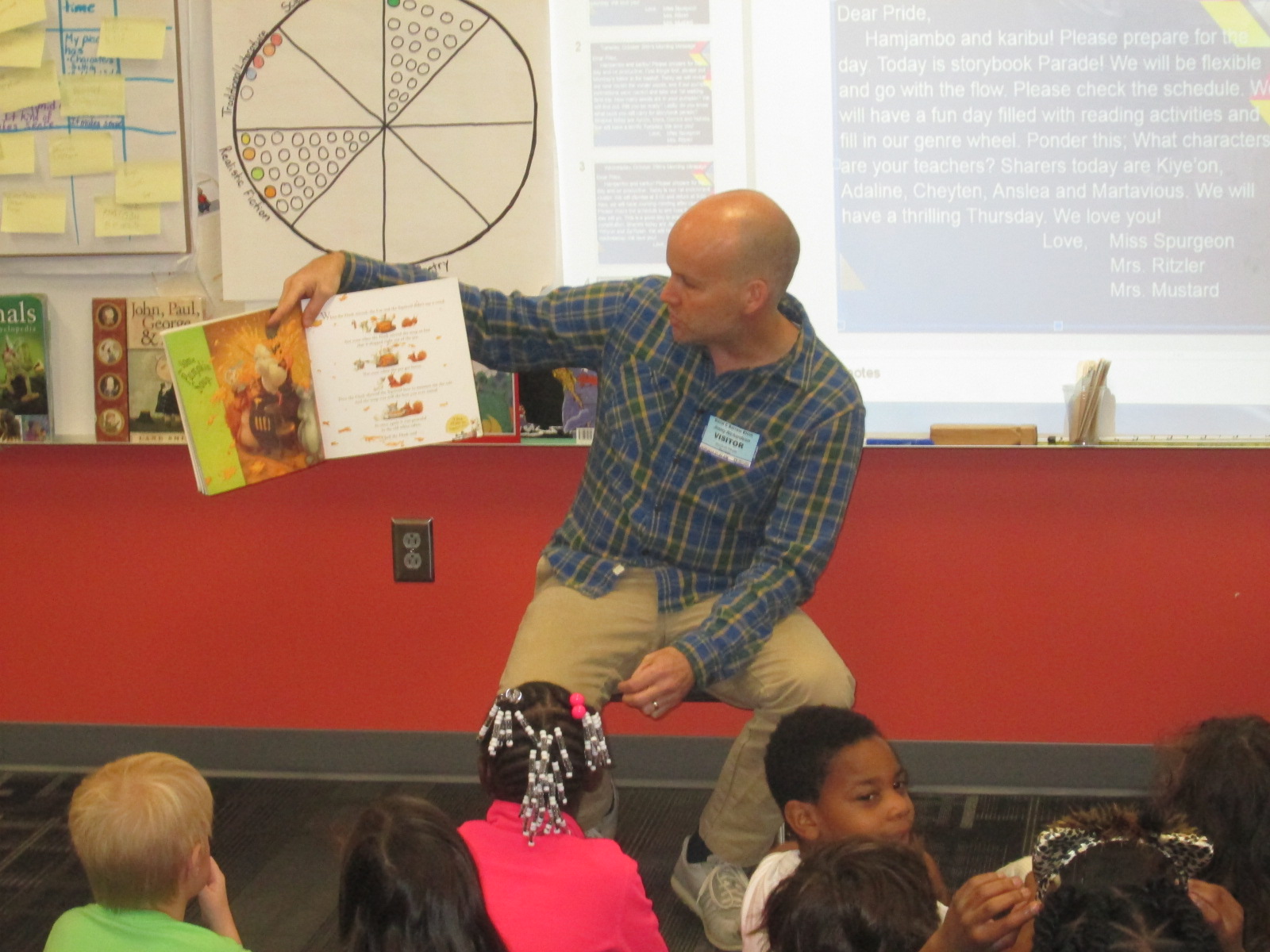
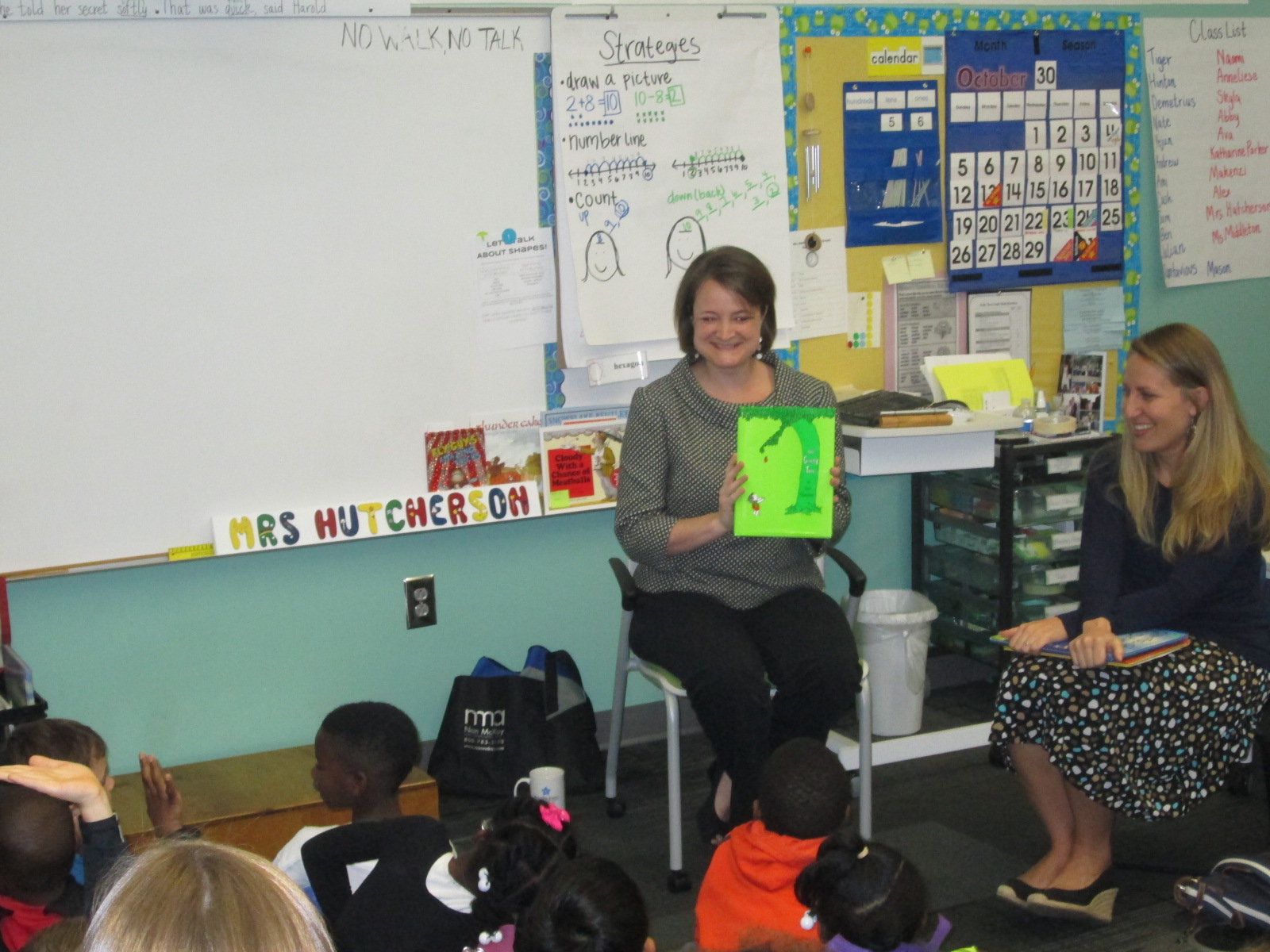
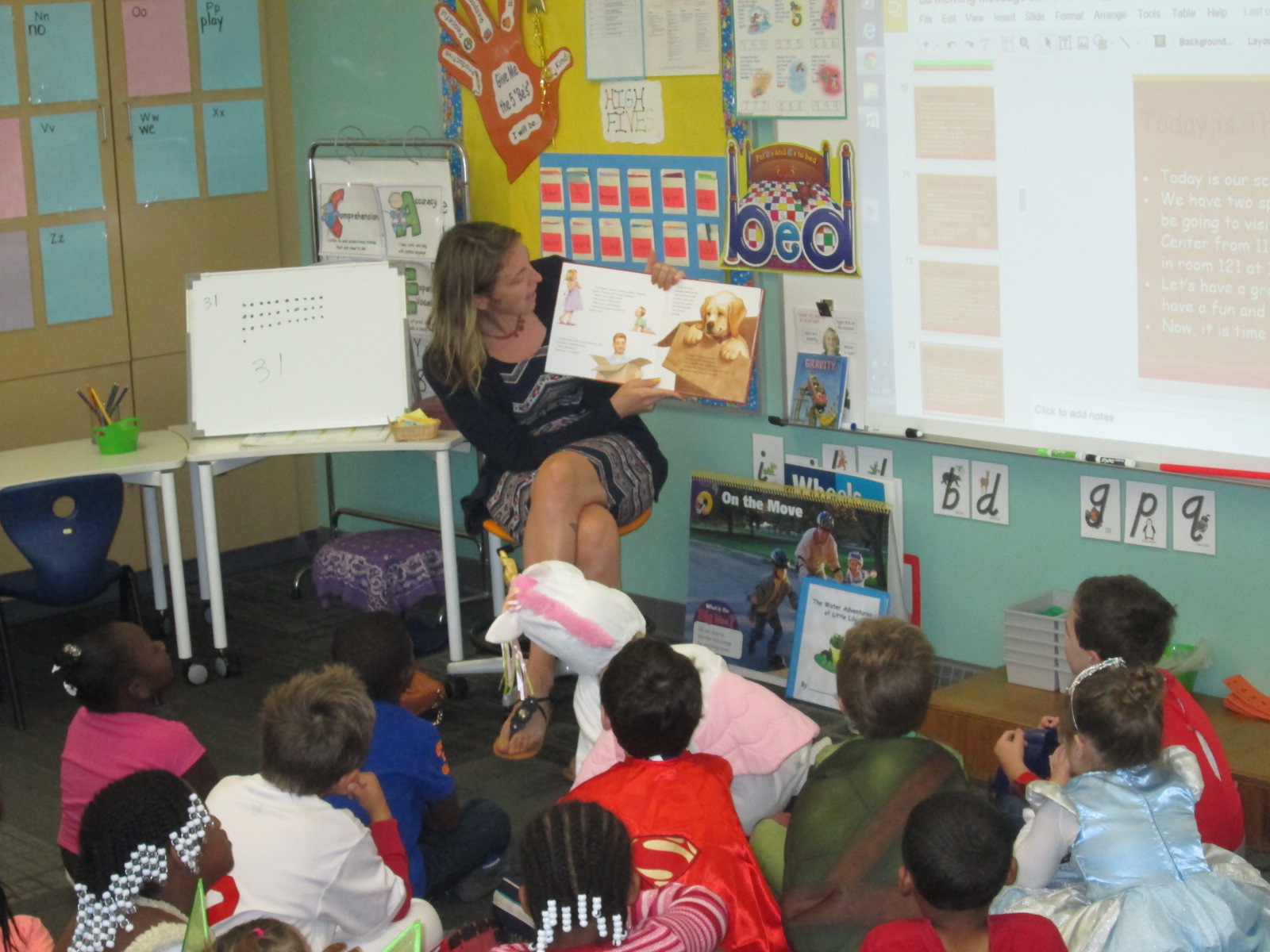
Once all readers make it to their rooms, I race around the school to take pictures of as many readers as I can.  There are about 2 readers for every classroom.  They read and talk with the kids about their book.  Some even leave the book in the room so that kids can keep enjoying it during the day, but most bring the book back to the library.

At 9:00, we gather in the cafeteria for the assembly.  This year, we tried some new things in the assembly, which required some organization in advance.  We had an assembly guest reader.  Our family engagement specialist helped a lot with the assembly.  She contacted and organized Dan Coenen, a UGA professor and community member.  He read The Book with No Pictures and had the kids laughing and engaged.

IMG_4227 - Copy IMG_4226 - Copy


We also had a skit performed by teachers.  It was written by the teachers and reviewed many of the Daily 5 strategies that kids use in class.  One again, Mimi Elliott-Gower, our family engagement specialist, got this organized along with Carrie Yawn, 2nd grade teacher.

IMG_4228 - Copy

In the past, all students have walked across the stage to show off their costume.  This has been very time consuming, so this year we tried something new.  Each row of students stood, twirled, and sat down facing the back of the cafeteria.  We did this until every student was facing the back.

IMG_4220 - Copy

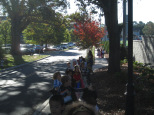
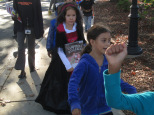
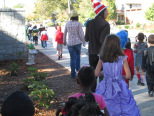
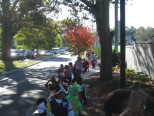
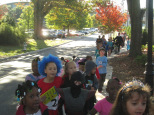
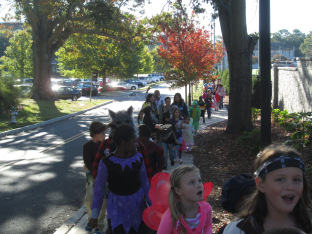
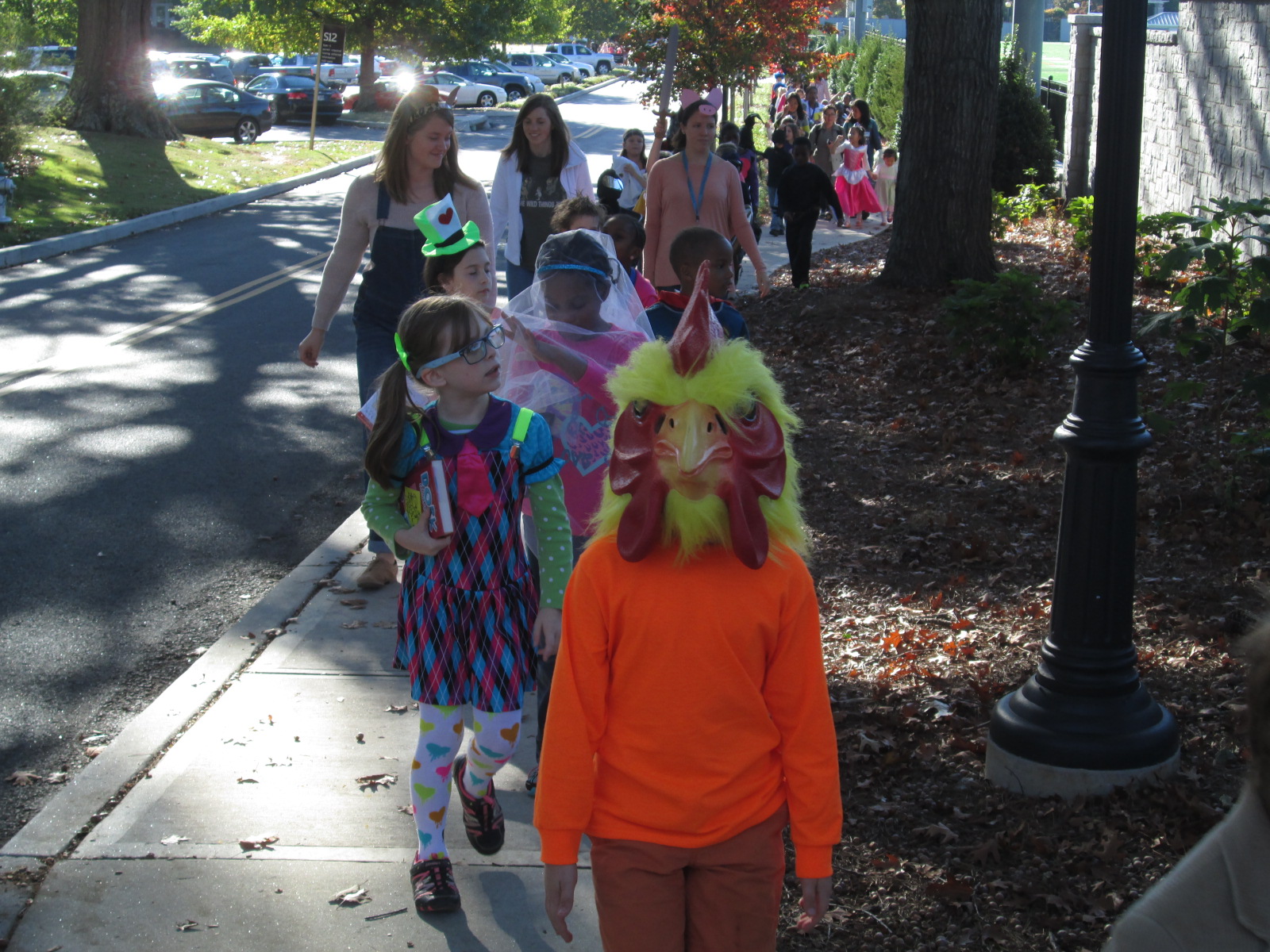
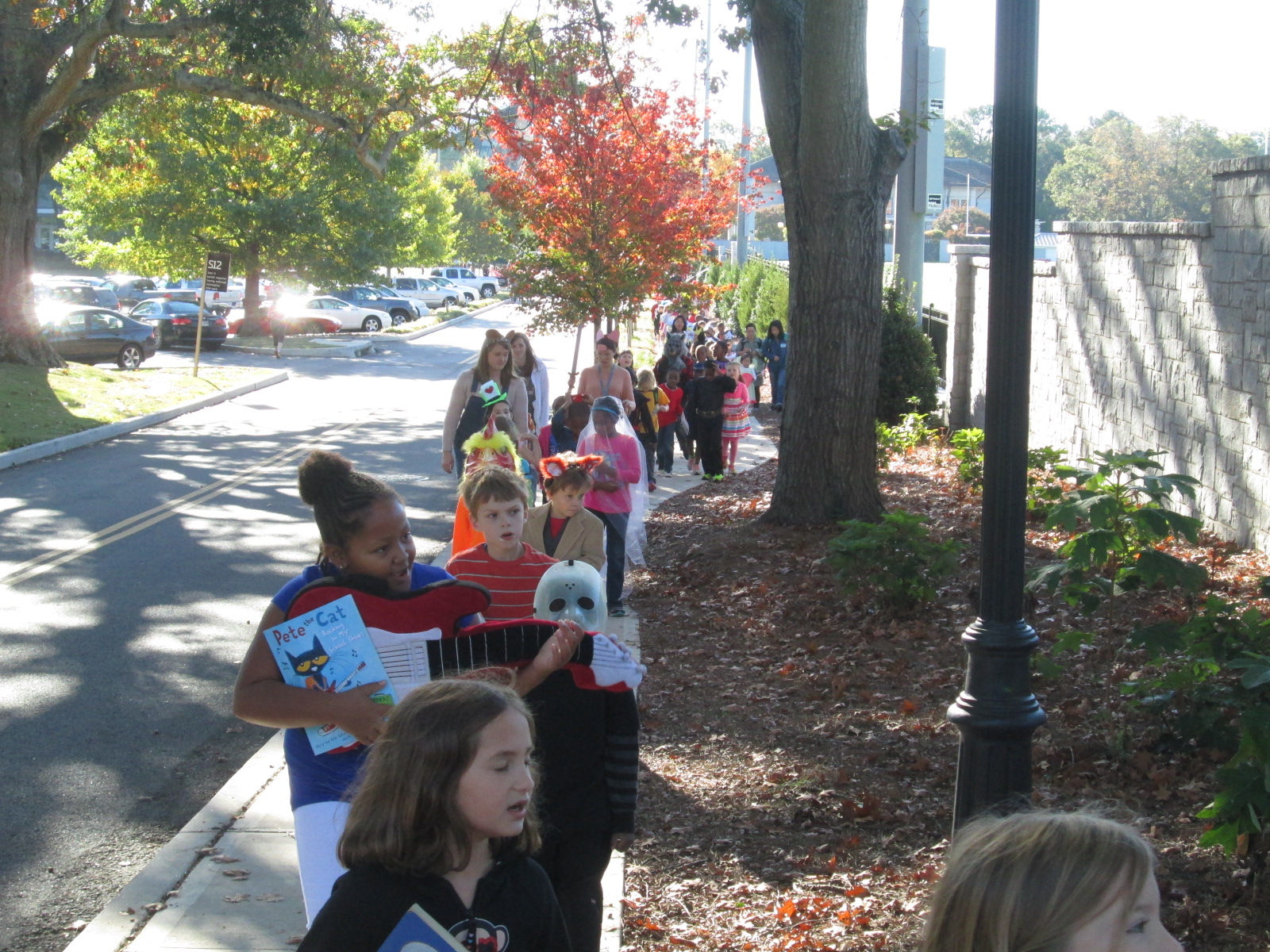
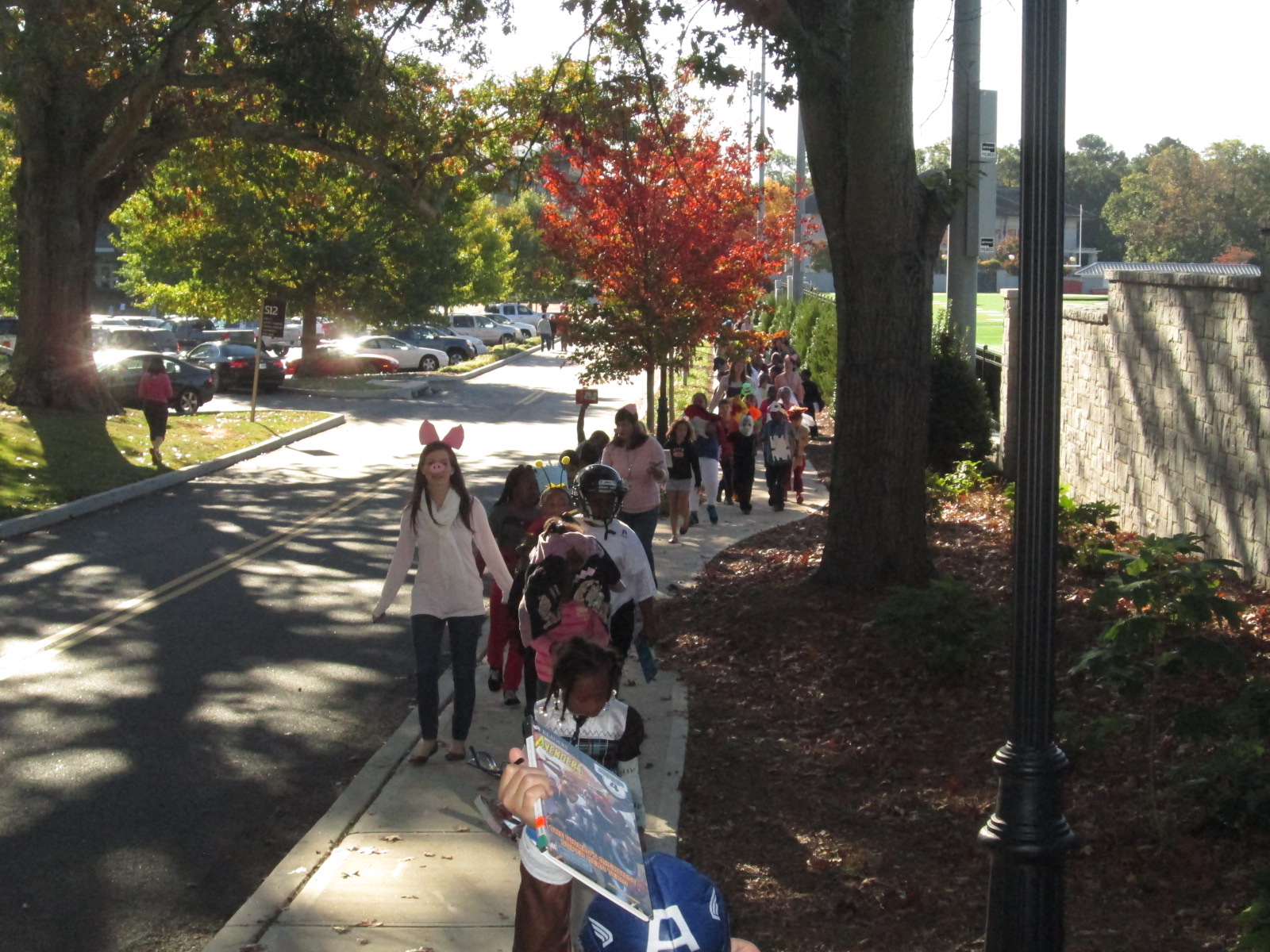
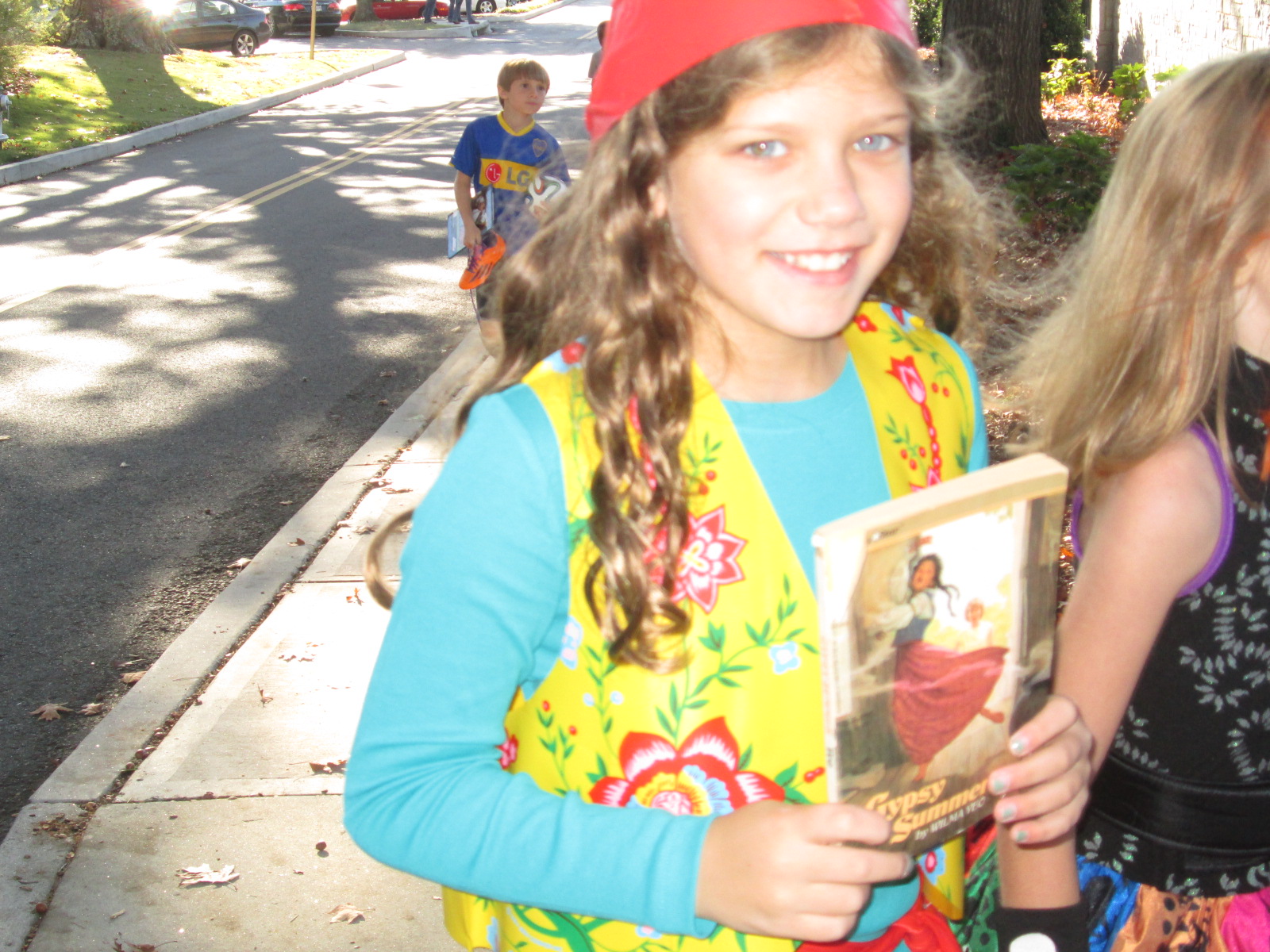
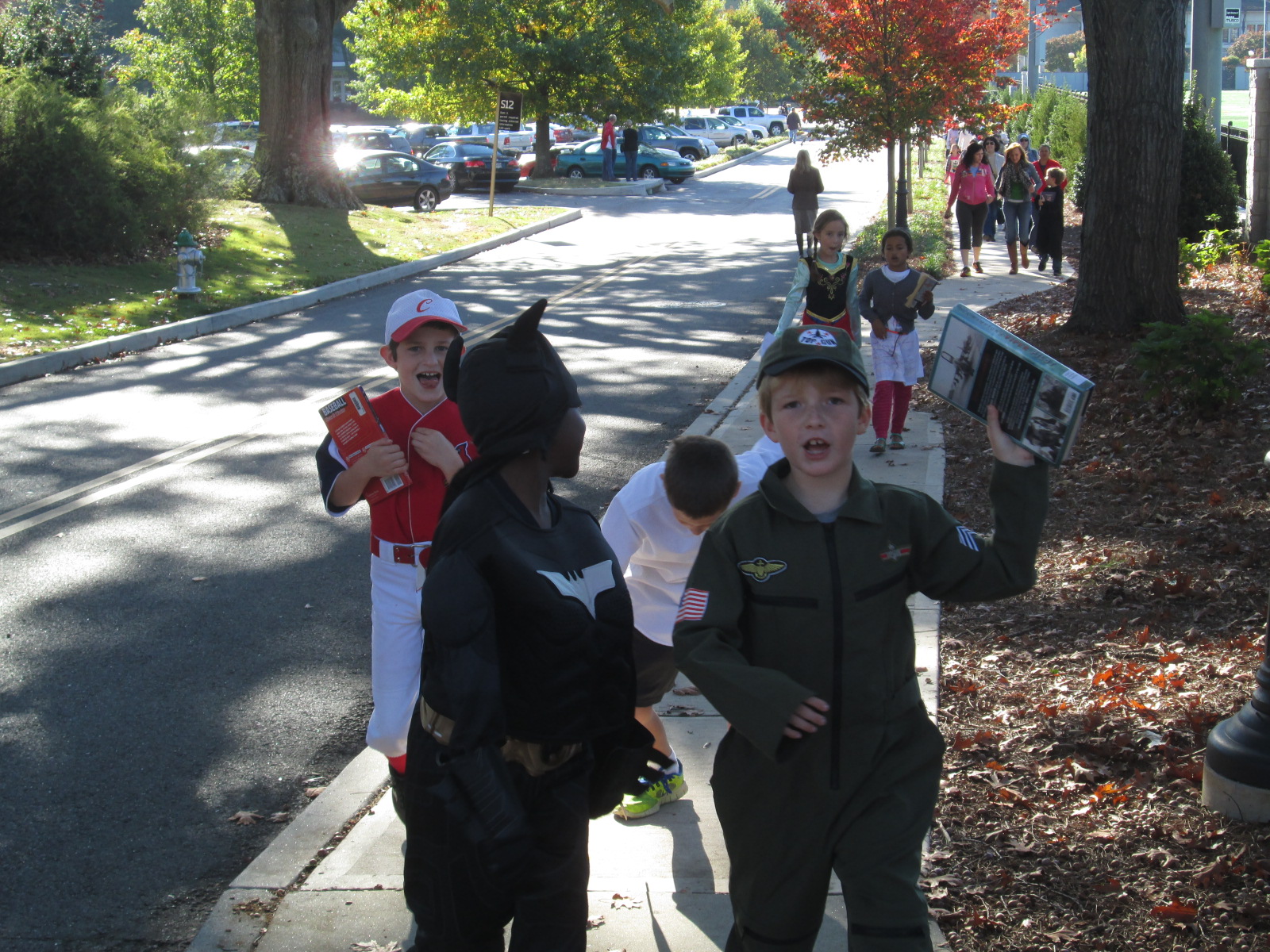
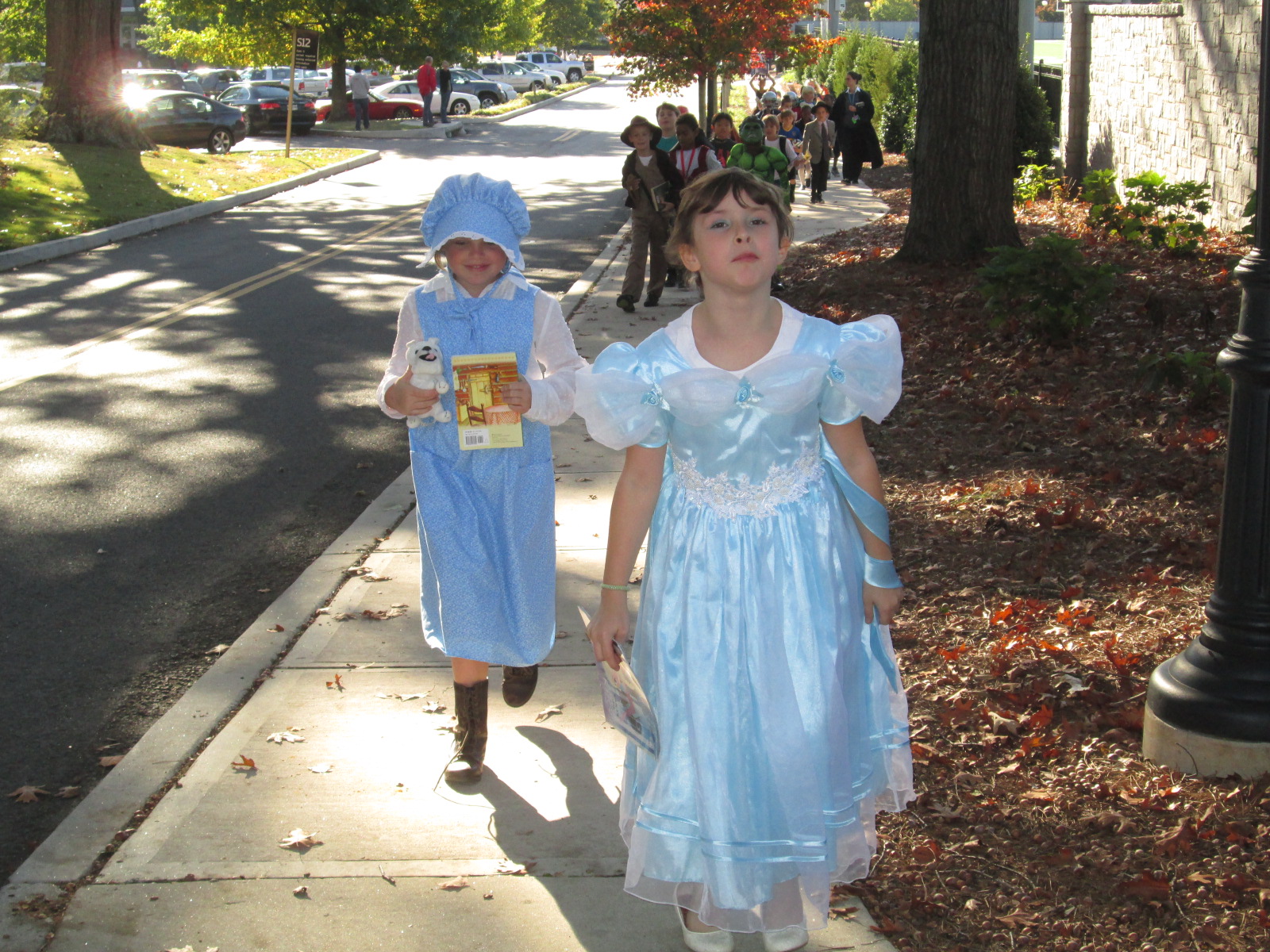
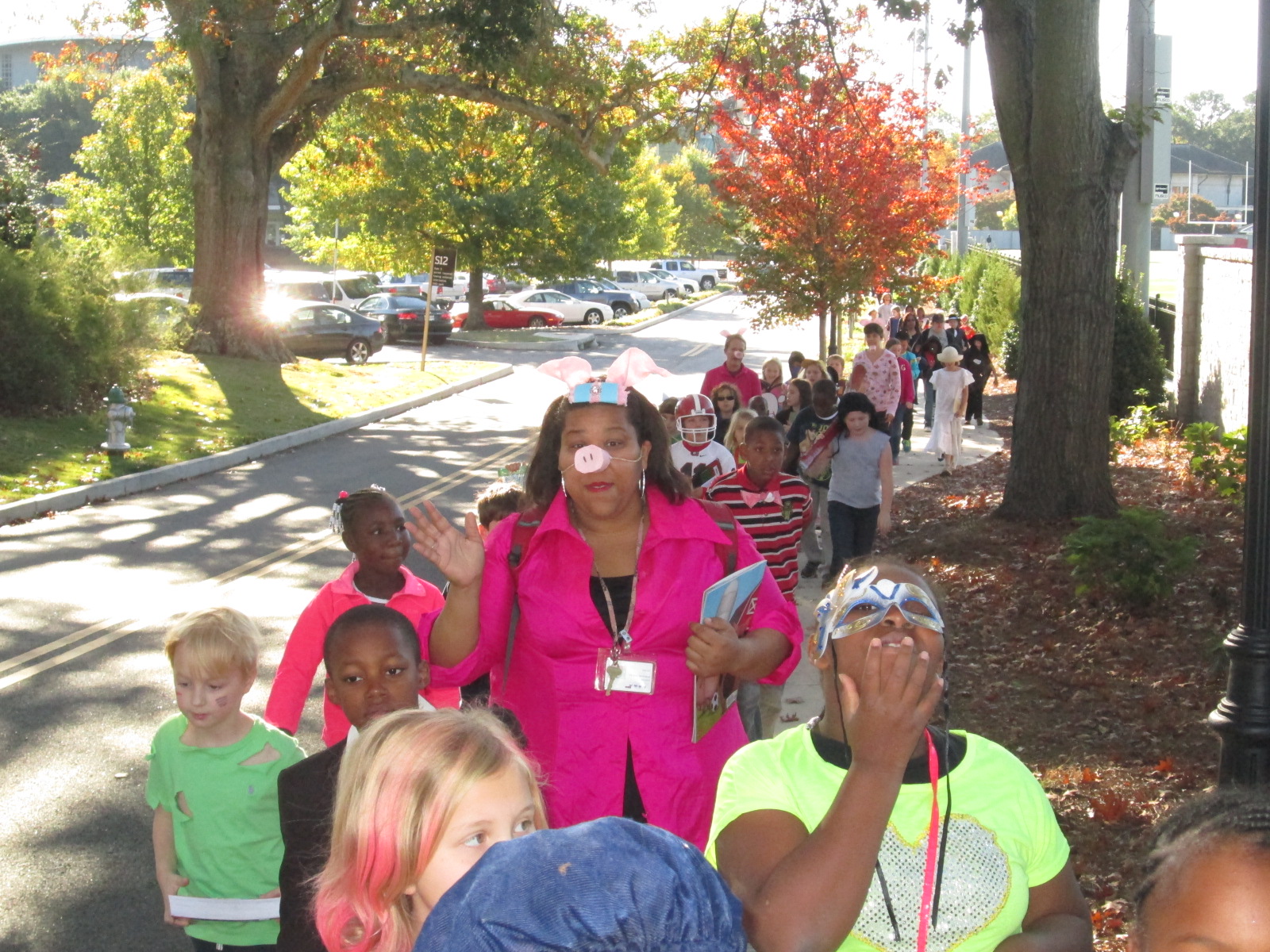
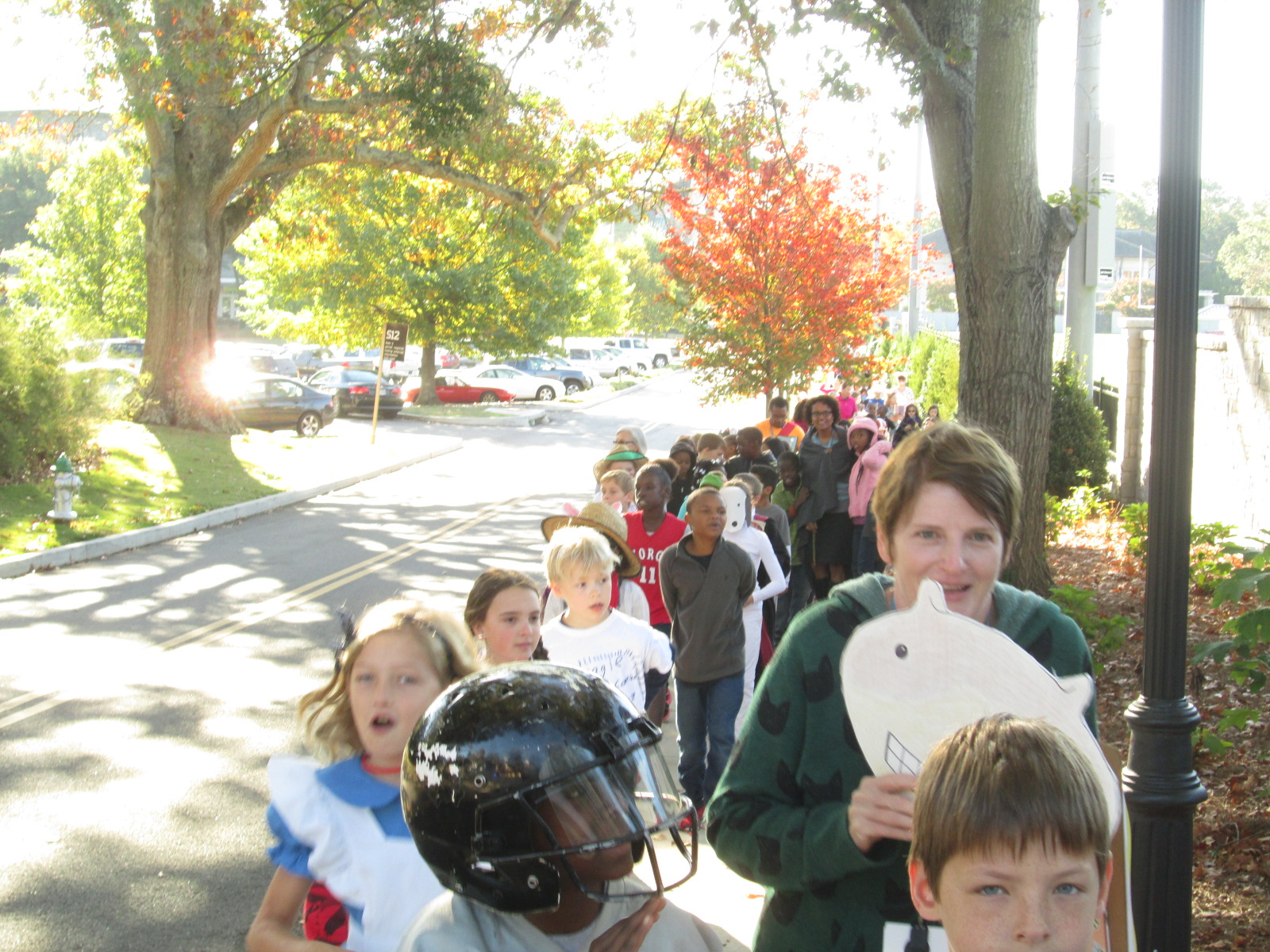
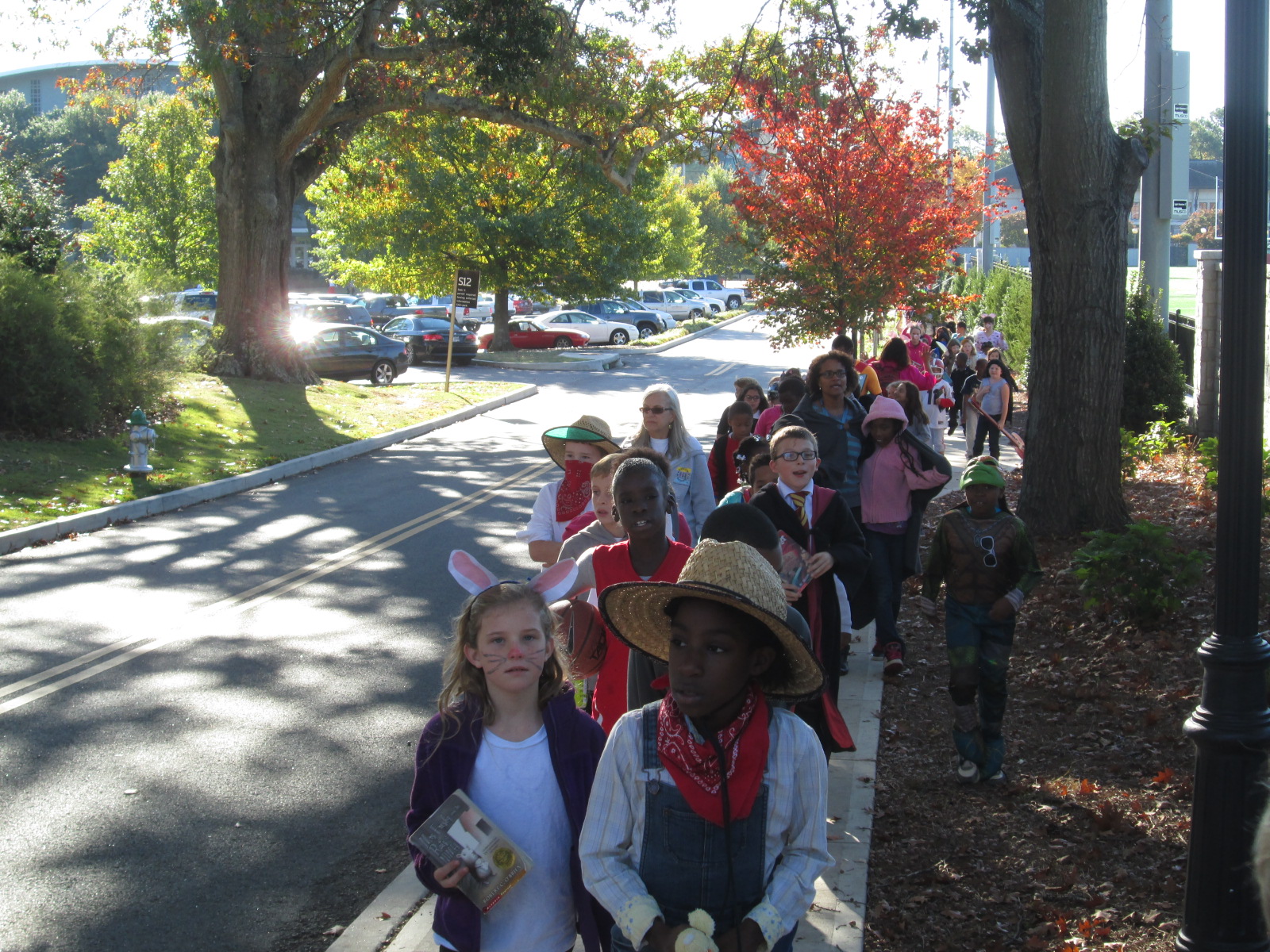
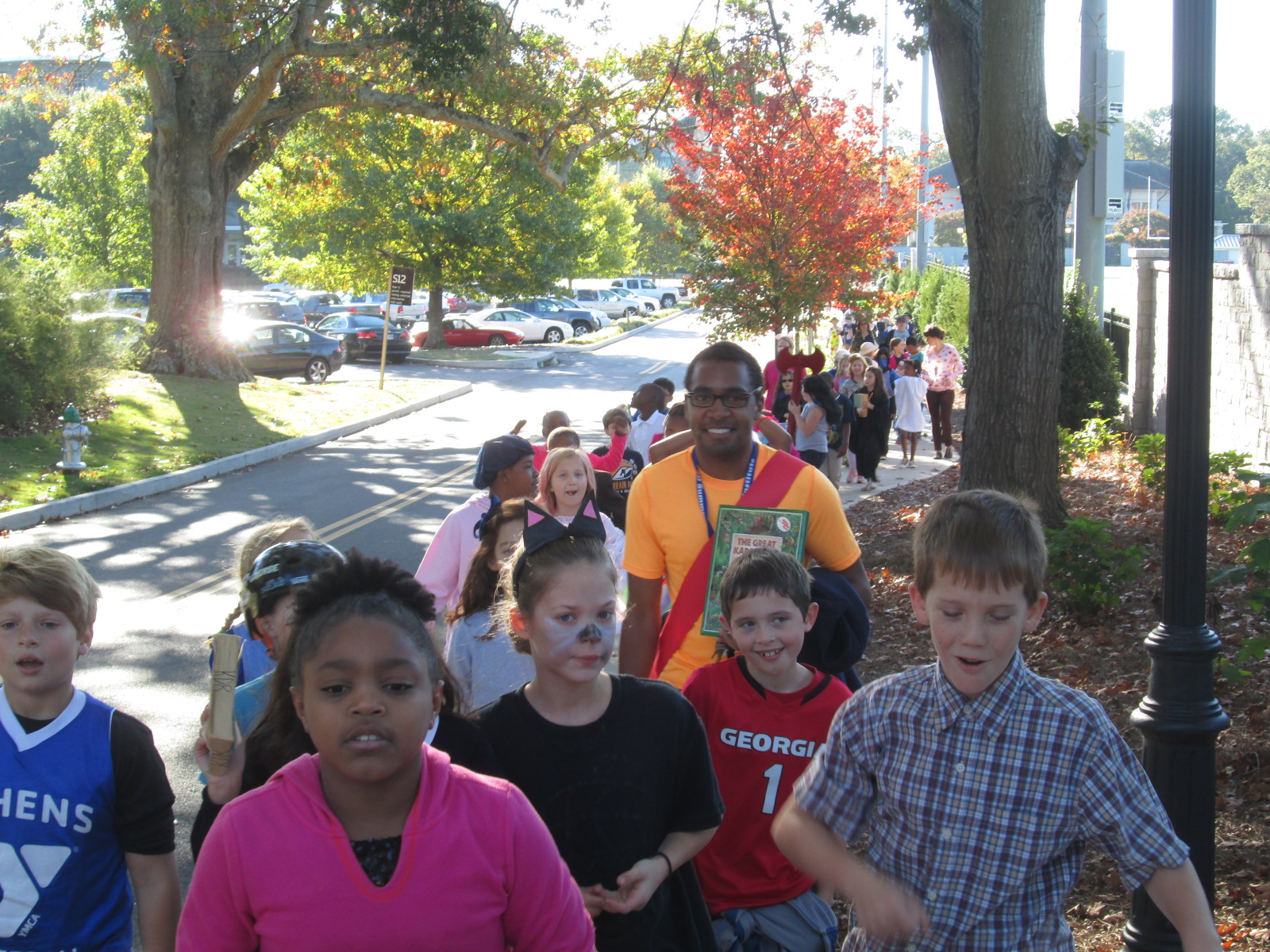
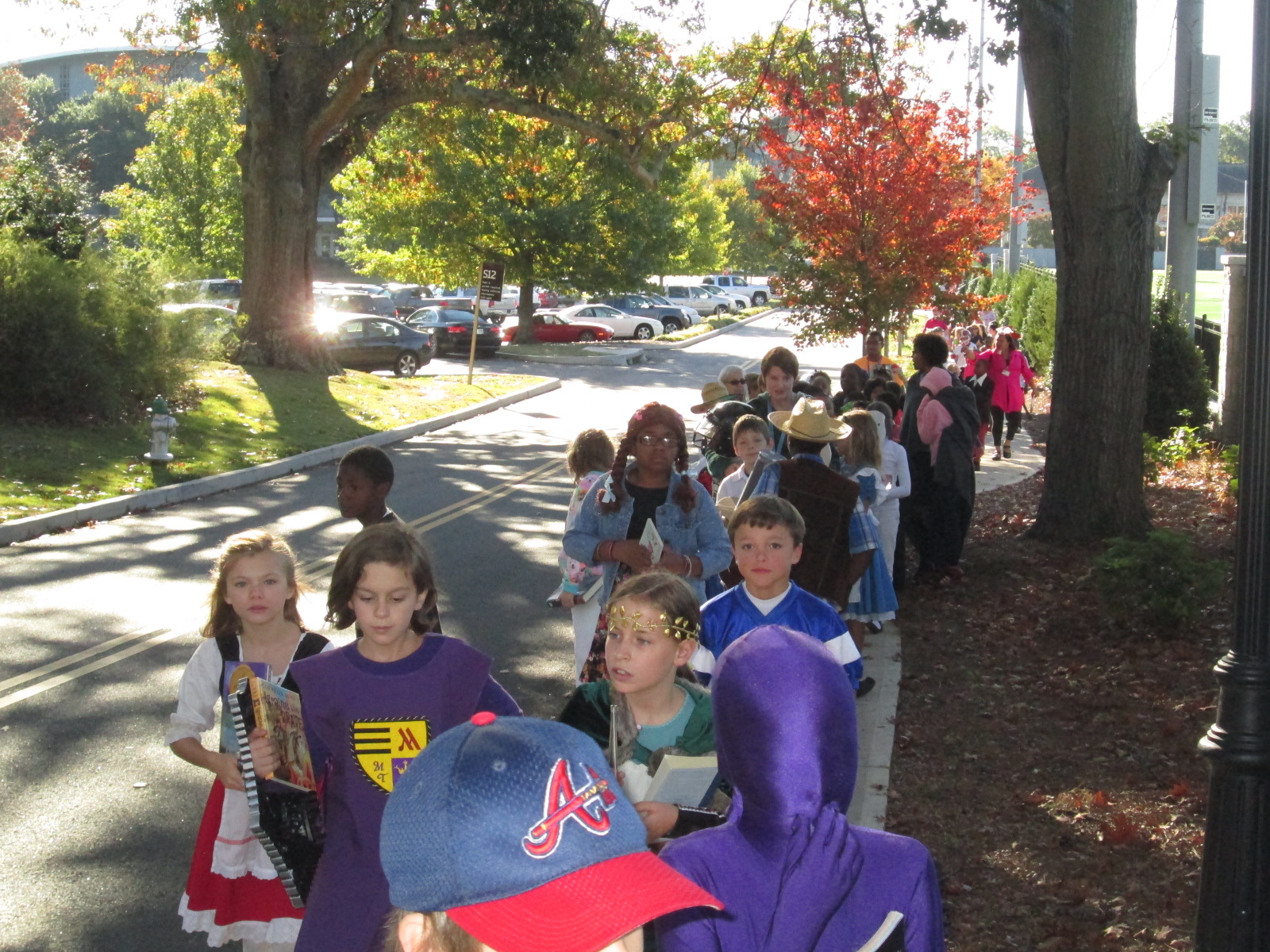
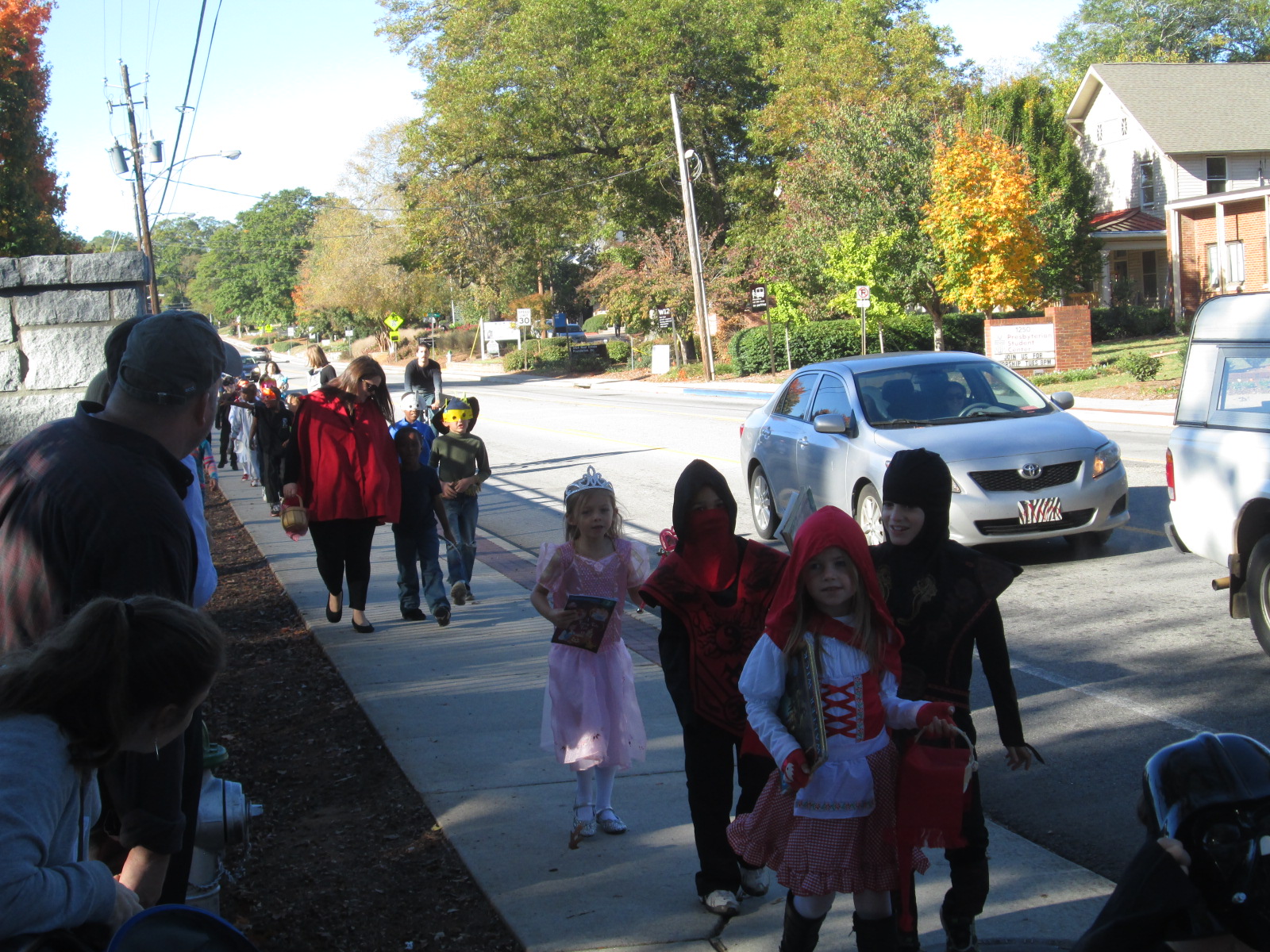
Then we were ready for a parade!  The parade is outside on the sidewalks of our community.  I send out the parade route to families in my newsletter and via facebook.  Our principal emails UGA and lets them know so that they can come out of their buildngs and wave.

storybook parade option 1

Taking almost 600 kids on a walk is a big task, and safety is one our biggest concerns.  I drive around to make sure that the route we plan to take is all clear before we decide the way to go.  Our family engagement specialist contacts the police and they help us cross streets and watch for unsafe drivers to pull over.  We talk to the kids about staying away from the road while they are on the sidewalk and we want them to walk in a single line.

I lead the parade so that we make the right turns, but I communicate the route to all of the teachers as well so that they know where we are going.

IMG_20141030_094729 IMG_20141030_094719

The kids chant “Read more books!” as we go down the sidewalks and we usually get lots of waves and honks as we walk.

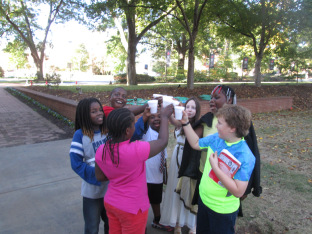
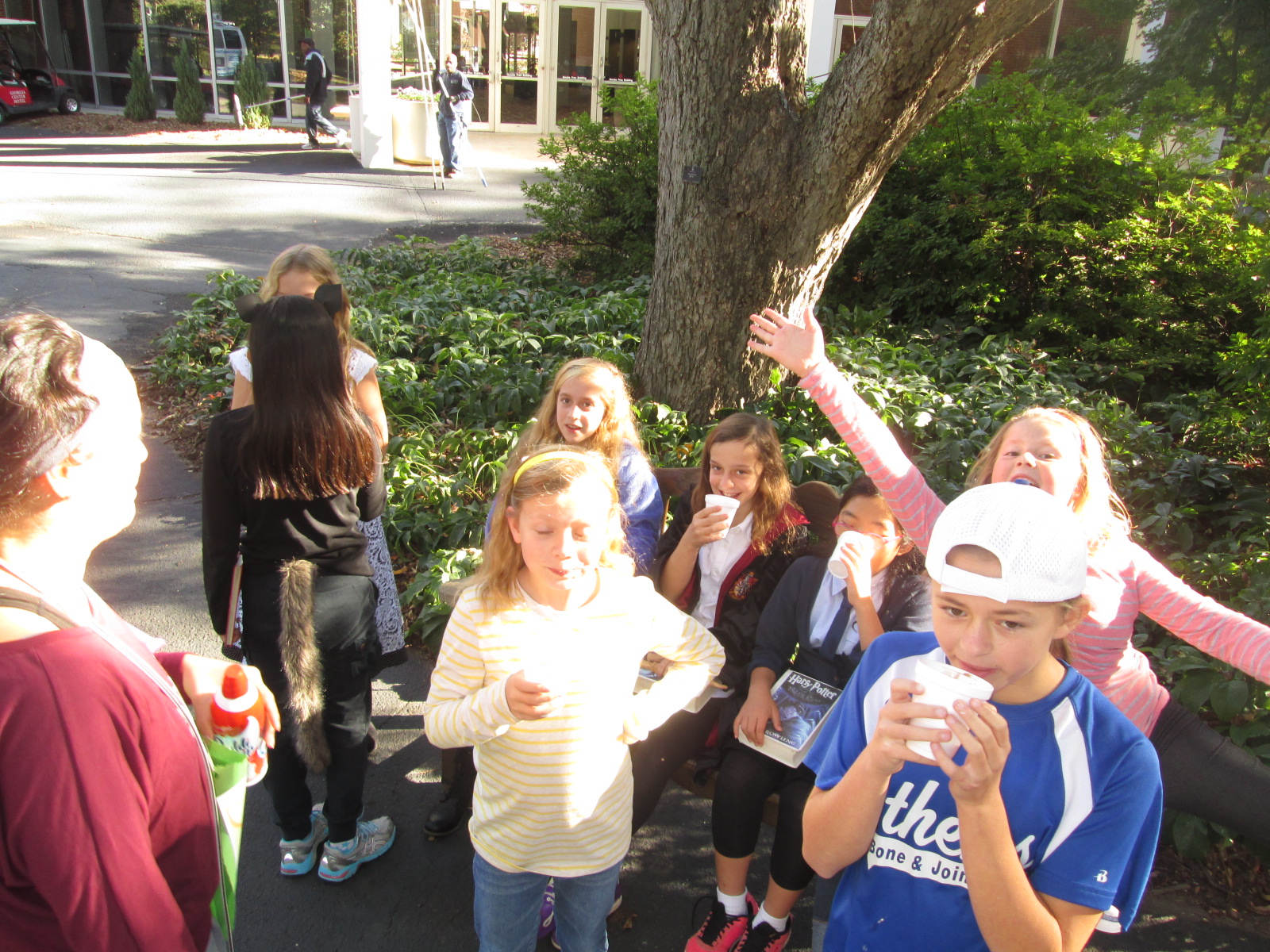
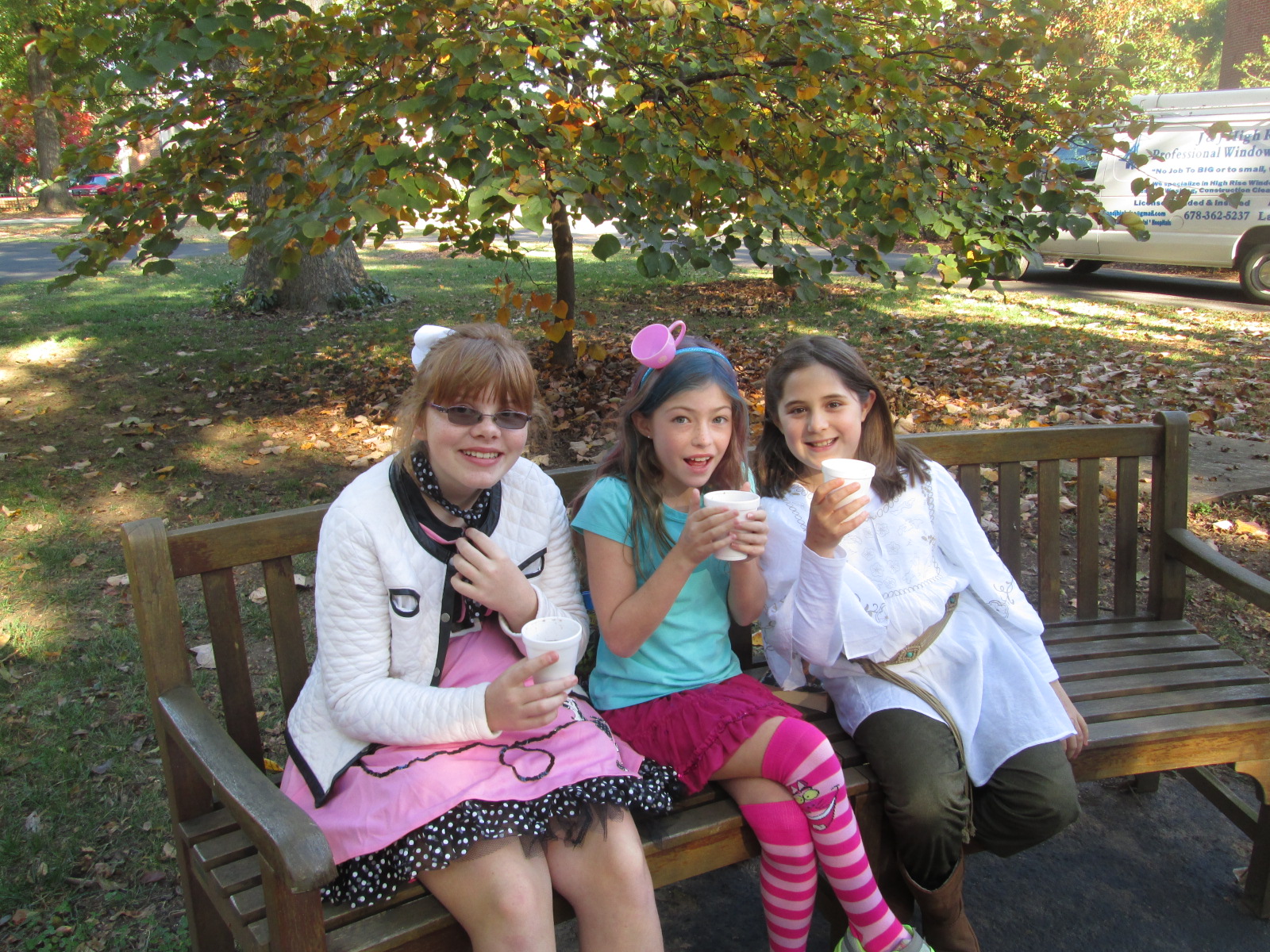
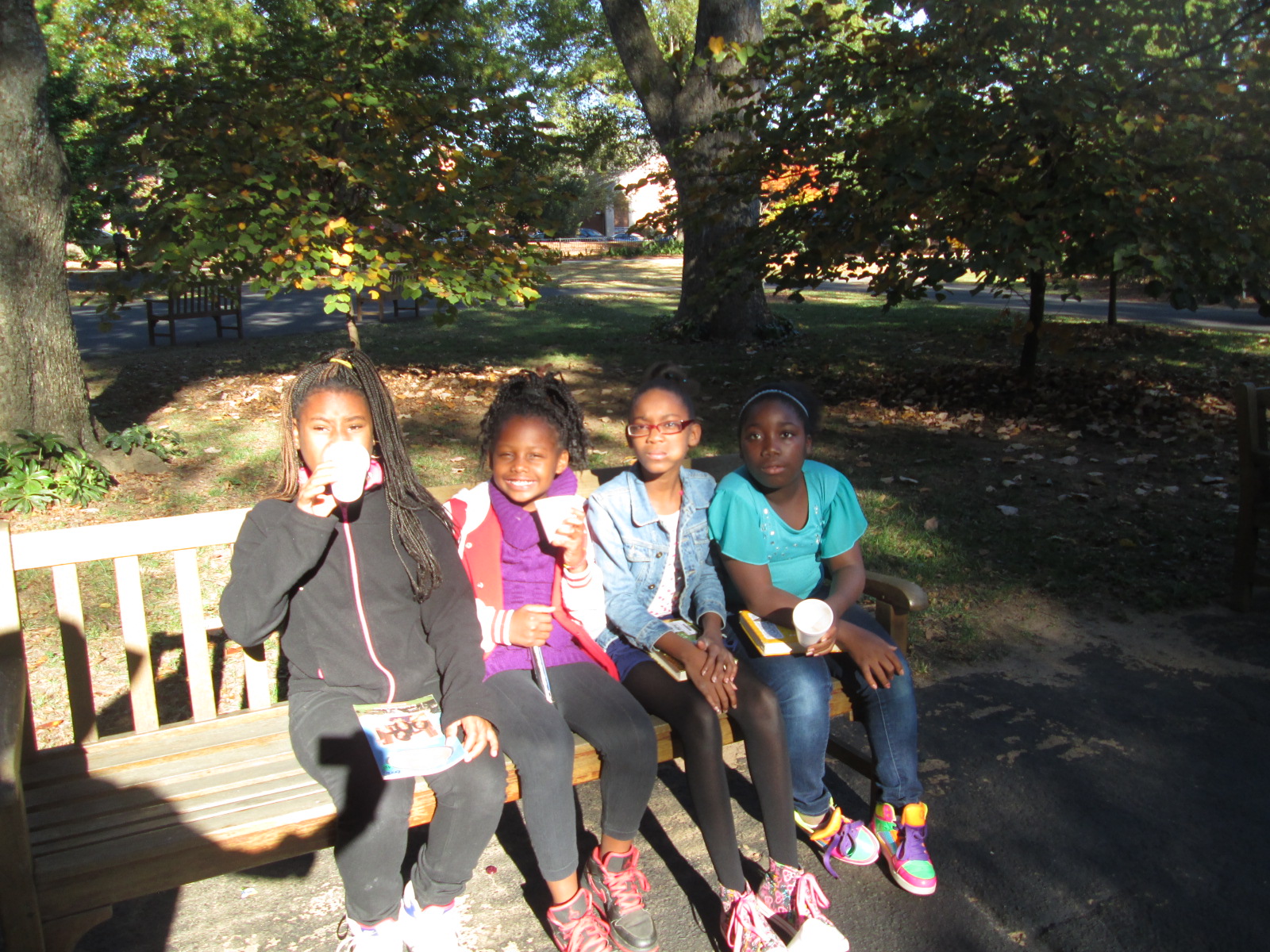
Our 5th graders break off of the parade route and stop at the GA Center for hot chocolate while the rest of the parade returns to Barrow.  Once again, several people help with buying, prepping, and pouring the hot chocolate.  This is a special treat for our 5th graders’ final storybook parade.

Once we are all back at school, classes carry on with their normal lunch schedule and literature activities in their classrooms.  We also have a specials schedule that teachers sign up for.  Because teachers miss their planning period, we create some 30-minute segments that they sign up for.  Art, music, PE, resource teachers, and I all offer literature-based activities.  I create a Google spreadsheet with times and each teacher posts what he/she will be offering.  This is done a few weeks before storybook celebration.  The week before, I send out the schedule for people to signup.

2014 15 Barrow Elem Storybook Celebration Specials

This year I read the book Ol’ Clip Clop to some classes and Precious and the Boo Hag to other classes.  Then, we used the Puppet Pals app on the iPad to create our own stories.

IMG_4233 (2) - Copy

Days like these are filled with learning opportunities, collaboration, tinkering, dreaming, and community.  It is a difficult kind of event to pull off by yourself.  It can be done, but I’m very thankful to have the support that I do to create days like these for our students.


Perspective on Explorers

I’m very excited about a project with our 4th graders this month.  This project is a spinoff of something we did last year with explorers and Native Americans.  This year, we are just focusing on explorers.

To kickoff the lesson, we did a very similar kickoff to last year’s project.  The entire fourth grade came, which was about 65 students.  We used a video from Biography.com about Christopher Columbus.  We only watched the first two minutes of the video.

http://www.biography.com/people/christopher-columbus-9254209/videos/christopher-columbus-mini-biography-6831683604

Following the video, I asked students to tell me what words they would use to describe Columbus.  They turned and shared with a neighbor first and then I used Tagxedo to capture several of their words into an image.

columbus video

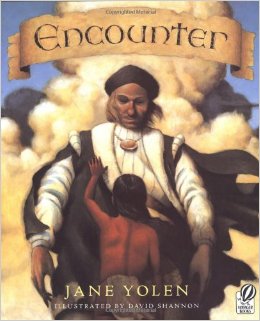
Then, we read the book Encounter by Jane Yolen.  I love pairing this book with what students are already thinking about Columbus because it typically flips their outlook on Columbus and explorers in general.  I asked them the same question about Columbus, to describe him based on the book they just heard.  Here’s how their words changed.

columbus encounter


This lesson was meant to setup the whole research process that students will now embark on.  They will each select one of the explorers from the 4th grade standards:

SS4H2 The student will describe European exploration in North America.

a. Describe the reasons for, obstacles to, and accomplishments of the Spanish,
French, and English explorations of John Cabot, Vasco Núñez de Balboa, Juan
Ponce de León, Christopher Columbus, Henry Hudson, and Jacques Cartier.

b. Describe examples of cooperation and conflict between Europeans and Native
Americans

They will ask themselves, “Is this explorer a hero or a villain?”  Some teachers may even assign a perspective for students to take even if they disagree with that perspective.  I told them to think back to Columbus.  Even though many of us think he’s a villain after reading Encounter, we were still able to come up with all kinds of words to describe why he was a hero.  Students will use a Sqworl pathfinder along with other databases and print books to research. They will write a short persuasive piece convincing an audience to believe that their chosen explorer is a hero or a villain.

Barrow Explorers

We will use Flipgrid to create videos of all of these writing pieces.  I made one grid for each explorer so that we hear both perspectives in one place.  They will be stored on a Google site so that we can easily view all of the videos.  I also made a Google form so that viewers can easily vote for whether they think each explorer is a hero or a villain.

Our plan is to share this with our entire school as well as share on social media and this blog when we have everything ready to go.

Be on the lookout for your opportunity to give the students feedback on their work and participate in this project.


Exploring Makerspace through Alternative Recess

makerspace recess (7)Since the beginning of the year, students have been itching to get into our library makerspace to use the many tools housed there.  As the librarian, I try to weave as many of these maker tools into curriculum as I can, but the truth is that it’s just not fast enough for our students.  Telling them, “I’m waiting to find the right piece of the curriculum to use the littlebits with”, is not acceptable.  They want to tinker and explore and see how things work.

makerspace recess (6)

Recognizing this, I had to find a way to give them more access.  I can’t say that I’ve found the perfect solution, but I’m working on it.  I’m blessed to have the University of Georgia right next to our school.  I’m even more blessed that the College of Education is within walking distance and Gretchen Thomas teaches in the instructional technology department.  Gretchen is an educator who truly gets the realities and challenges of school.  She wants her students to have experiences with what instructional technology really looks like in a school rather than guess about it in the college setting.  She and I have been brainstorming about challenges that I face in the library and the makerspace has come up a lot in our conversations.  We’re trying to create a plan to have adult support in the makerspace on a regular basis for students to explore during their recess time.  This alternative to going outside isn’t the only solution, but it’s one that many of our students are willing to do in order to get their hands on the makerspace tools.

Even though we don’t have details worked out for Gretchen’s students to be in the makerspace, she has volunteered her own time once per week to come in and help.  For the past 3 weeks, we have offered makerspace recess to our 4th graders.  A whole range of students have shown up.  I was very excited to see such a mix of boys and girls as well as several other kinds of diversity within the group as well.

makerspace recess (5) makerspace recess (8)

During the 1st recess, Gretchen and I quickly showed the tools in the space: Sphero, littlebits, and MaKey MaKey.  Students chose a starting place and jumped in.  It didn’t take long until the Sphero was being driven around the library, being programmed to drive and jump over a ramp of books, and a maze of books, shoes, and legs was being created on the floor.

makerspace recess (4)

Students used the littlebits cards to snap together several suggested circuits, but it didn’t take long for students to start snapping random bits together to see what would happen.

makerspace recess (9)

Students at the MaKey MaKey got out balls of Playdoh and started plugging in alligator clips.  Gretchen showed them how they could type using the balls of Playdoh, and they also explored how to play the piano on the MaKey MaKey site.

This alternative recess is certainly supporting my library goal of allowing students to dream, tinker, create, and share.  This free time to dream and tinker will only strengthen the curriculum work we do within the makerspace in grade level projects.

At some point, I’m sure we’ll create some structure to our alternative recess, but for now it just seems right to explore.

Barriers to Bridges: Using Tripline to Document the Civil War

Tripline

I love using Google tools.  Our district is a Google Apps for Education district. We have numerous kinds of devices in student hands from Asus netbooks to Samsung Chromebooks to HP laptops to Lenovo Thinkpads. Each of our 3rd-5th grade has their own device supplied by the district and in 5th grade these devices are predominantly Chromebooks and HP laptops. We mix devices in grade levels for 2 reasons. We don’t have enough of one devices to give one grade level the same device and not all of our programs run on all of the devices. This causes problems for us from time to time, but a big part of my philosophy is that when you come to a barrier you have to build a bridge to get over it.  Roadblocks are a nuisance and they slow down productivity, but they aren’t reason for giving up.

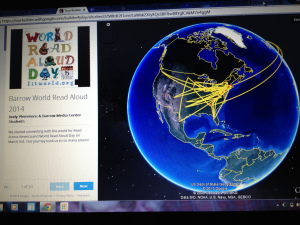
Recently, I had a great planning session with Ms. Shelley Olin in 5th grade to plan a Civil War project with her students. She wanted a way for students to remember the many events of the war as well as visualize where all of the events took place.  I’ve used Google Tour Builder several times to document virtual connections with classrooms around the world. I love that you automatically have an account if you have a Google account and that you can easily integrate your Youtube videos and Google drive photos into the tour.  I used this tool last year to document the 36 connections we made during World Read Aloud week and it is so nice to see all of the connections and play through the summary of where we traveled each day. I thought this would be a perfect tool for Ms. Olin.  Students already had an account through their Google apps accounts.  Our plan was for Ms. Olin to use this tool in her closing of her lesson each day.  Students would visit their Google tour and add new locations to a Civil War tour.  They would write summaries of each location or event and search for images on public domain sites such as the National Archives or Library of Congress.

Then, we faced a major road block.  Google Tour Builder requires a plugin that can only be installed on IOS or Windows.  Why was this a road block?  None of our Chromebooks could install the plugin.  How ridiculous that a Google computer couldn’t even use a Google tool!  Even though we were both frustrated, I didn’t want this one road block to keep us from carrying out our plan. I searched for another tool and stumbled upon Tripline.

tripline (5)

Tripline does many of the things that Google Tour Builder can do. You can create a map in a sequence of events, list specific dates and times, add summaries of what took place in each location, upload photos, and add links to other content.  It doesn’t integrate into Google apps, but it was the closest match that I could find.

tripline (4)

Ms. Olin scheduled each of her classes to come to the library to get started.  I did a quick demo on the board and then we got students setup with accounts.  Once they had accounts, each student created a tinker map.  This was a space for them to just mess around and explore all of the functions of Tripline.  Their map could be about anything and they could travel anywhere.  They would always have this map to come back to in order to tinker if they needed to during the course of their social studies project.

tripline (2)

It was fascinating to see what students decided to do during their tinkering time.  One student had moved to our school from Rome, GA. He located his old house and made a map of several important places to him while he lived there.  Another student made a dream vacation map and traveled to several countries that she only knew the names of.  She then pulled up a Google search to look for cities within those countries and added specific cities to her trip.  Each map was different but all students accomplished the same thing.  They got familiar with how Tripline functions.

tripline (1)

At the close of our time, we opened up a new map and got their Civil War map created and saved.  Now, they are ready to begin their study of the Civil War.  They will document major locations of the war through pinpoints on the map, pictures, and summaries of what happened at each location.  I can’t wait to see what they create.